앞의 factorial exercise는 재귀를 사용하도록 강제했다.
이제, 같은 작업을 loop를 사용하여 구현하는 방법을 배울 것이다.
while loop는 조건문이 true인 한, 코드블록을 계속 실행하는 것이다.
while <condition> {
    // code to execute
}
일반적인 문법은 위와 같다.
let sum = 0;
let i = 1;
// "while i is less than or equal to 5"
while i <= 5 {
    // `+=` is a shorthand for `sum = sum + i`
    sum += i;
    i += 1;
}
위 코드는 i가 5보다 작거나 같지 않을 때까지, sum에 i를 더하고 i에 1을 계속 더해주는 코드다.
하지만! 위 코드는 에러가 난다.
왜?
error[E0384]: cannot assign twice to immutable variable `sum`
 --> src/main.rs:7:9
  |
2 |     let sum = 0;
  |         ---
  |         |
  |         first assignment to `sum`
  |         help: consider making this binding mutable: `mut sum`
...
7 |         sum += i;
  |         ^^^^^^^^ cannot assign twice to immutable variable

error[E0384]: cannot assign twice to immutable variable `i`
 --> src/main.rs:8:9
  |
3 |     let i = 1;
  |         -
  |         |
  |         first assignment to `i`
  |         help: consider making this binding mutable: `mut i`
...
8 |         i += 1;
  |         ^^^^^^ cannot assign twice to immutable variable
왜냐하면, Rust의 변수들은 default로 immutable이기 때문이다.
immutable이란, 한번 값을 할당하면, 값을 바꿀 수 없다는 특성이다.
따라서, 수정을 허용하고 싶다면, mut keyword를 통해
변수를 mutable로 선언하여 사용할 수 있다.
// `sum` and `i` are mutable now!
let mut sum = 0;
let mut i = 1;

while i <= 5 {
    sum += i;
    i += 1;
}
위와 같이 코드를 작성한다면, 에러 없이 돌아간다.
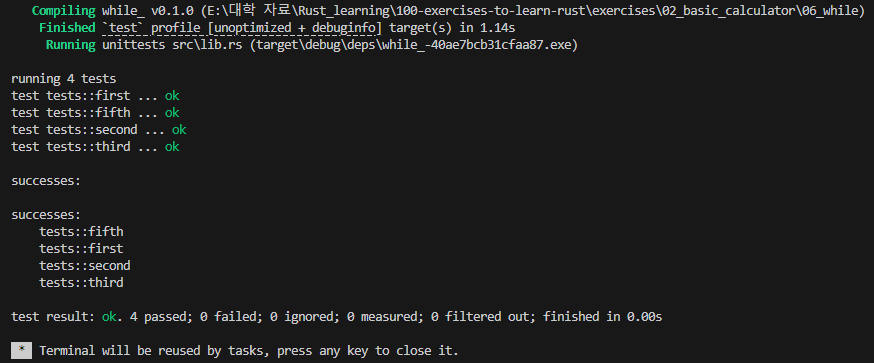
06_while exercise는 앞에서 구현한 factorial function을 while loop를 이용해 구현하는 것이다.
위에서 배운 mut keyword를 사용하면 쉽게 구현할 수 있다.
위와 같이 counter 변수를 직접 증가시키는 것은 다소 지루할 수 있다.
for loop를 사용하여, 더 간결하게 반복해보자.
for <element> in <iterator> {
    // code to execute
}
for loop의 기본적인 문법은 위와 같다.
Rust의 standard library는 range type을 제공한다.
1부터 5까지 더하고 싶을 때, 아래와 같이 사용하면 된다.
let mut sum = 0;
for i in 1..=5 {
    sum += i;
}
그냥 파이썬의 range(1, 6)을 1..=5로 표현한다고 보면 될 것 같다.
Rust에서 range를 표현하는데 5가지 방식이 있다.
- 1..5 : 1부터 4까지의 숫자
- 1..=5 : 1부터 5까지의 숫자
- 1.. : 1부터 무한대까지의 숫자(무한대라함은 integer type의 maximum)
- ..5 : -무한대부터 4까지의 숫자(-무한대라함은 integer type의 minimum)
- ..=5 : -무한대부터 5까지의 숫자(-무한대라함은 integer type의 minimum)
만약, starting point가 명시적으로 정해져있다면, 첫번째부터 세번째까지의 방법을 사용하면 된다.
네번째, 다섯번째 방법은 상황에따라 사용하면 된다.
range의 양 끝값은 integer literals일 필요는 없다.
아래와 같이 변수여도 되고, expressions여도 된다.
let end = 5;
let mut sum = 0;

for i in 1..(end + 1) {
    sum += i;
}
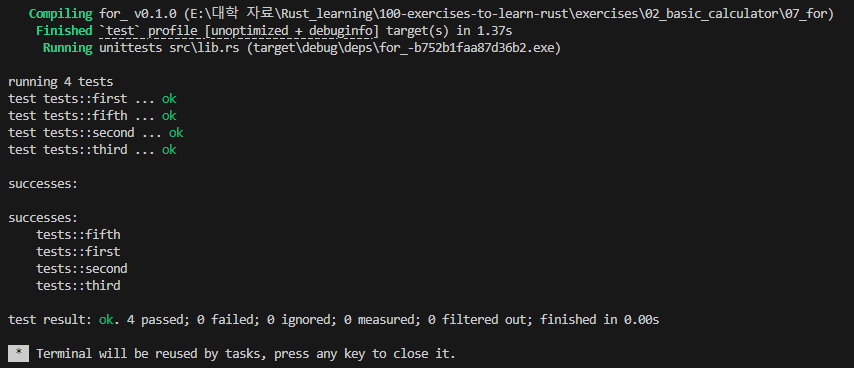
07_for exercise 또한 factorial을 for문으로 구현하는 것이었다.
위에서 배운 range type을 통해 쉽게 구현했다.
주어진 integer type이 표현할 수 있는 최댓값을 산술 연산의 결과값이 넘어간다면,
이를, integer overflow라 한다.
이는, 산술 연산의 결과로 나오는 기댓값이 달라지게 하므로, 문제가 된다.
이와 반대로, integer type이 표현할 수 있는 최솟값을 산술 연산의 결과값이 넘어간다면,
이를, integer underflow라 한다.
아래부터는 integer overflow로만 다룰텐데,
integer underflow에도 똑같이 적용된다는 사실을 기억하자.
u8 type의 integers를 사용해 더하기를 했을 때의 결과가 256이라하자.
그러면 u8 type의 최댓값인 255를 넘어간다.
Rust는 결과를 u16 type으로 선택할 수 있지만,
이전에 언급했듯이 Rust는 type conversions에 엄격하다.
따라서, Automatic integer promotion은 Rust에서 integer overflow problem 해결방법이 아니다.
그럼 Rust에서는 어떻게 해야할까?
- Reject the operation
가장 보수적인 접근으로, integer overflow가 발생하면 프로그램을 종료시킨다.
panic을 통해 이를 실현할 수 있고, 매커니즘은 Panics section에서 이미 확인했다. - Come up with a "sensible" result
overflow가 발생하면, wrap around를 선택할 수 있다.
원순열에서 가장 끝을 벗어나면, 가장 처음으로 가듯이,
maximum value를 넘어가면, minimum value에서 다시 시작하는 것이다.
예를 들어, u8 type으로 1과 255를 wrapping addition하면, 결과는 0이다.
signed integers도 이와 같이, 1과 127을 더하면, 결과는 -128이다.
위의 두 방법 중 하나를 Rust에서는 profile setting을 통해 선택할 수 있다.
overflow-checks를 true로 set한다면, Rust는 panic at runtime 방법을 사용할 것이다.
overflow-checks를 false로 set한다면, Rust는 wrap around 방법을 사용할 것이다.
그럼 profile setting은 무엇인가?
profile은 Rust code가 compile되는 방법을 customize하는 configuration options set이다.
Cargo는 dev와 release, 두가지의 built-in profiles를 제공한다.
dev profile은 cargo build, cargo run, cargo test를 실행할 때마다 사용된다.
local development를 target한 것이기 때문에,
더 빠른 compilation times와 더 나은 debugging을 위해 runtime performance를 저하시킨다.
release profile은 runtime performance에 최적화되어있다.
하지만 compilation times가 오래걸린다.
release profile을 설정할 때, 아래와 같이 --release flag를 사용해줘야한다.
cargo build --release
cargo run --release
그래서 release mode로 해놓고, compile 속도가 느리다고 징징대지말고
dev mode로 해서 build 및 run을 하자.
overflow-check는
dev profile에서 true이고,
release profile에서 false이다.
dev profile은 local development가 목표이기 때문에,
panics를 통해 잠재적 issues를 가능한 빨리 발견한다.
release profile은 runtime performance를 위해, wrap around 방식을 사용한다.
왜냐하면 overflows를 check하는 것은 프로그램을 느리게하기 때문이다.
dev profile과 release profile의 서로 다른 overflow-check 방식은
버그를 발생시킬 수 있다.
따라서 overflow-checks를 dev와 release 두 profile 모두 활성화시켜
확실히 알 수 있게끔 하는 것을 추천한다.
대부분의 경우, runtime performance는 무시할만하다.
하지만, performance-critical applicaiton에서는 둘 중 취사선택하여 사용하면 된다.
08_overflow exercise는 Cargo.toml을 customize하여 overflow처리 방식을 바꾸는 것이다.
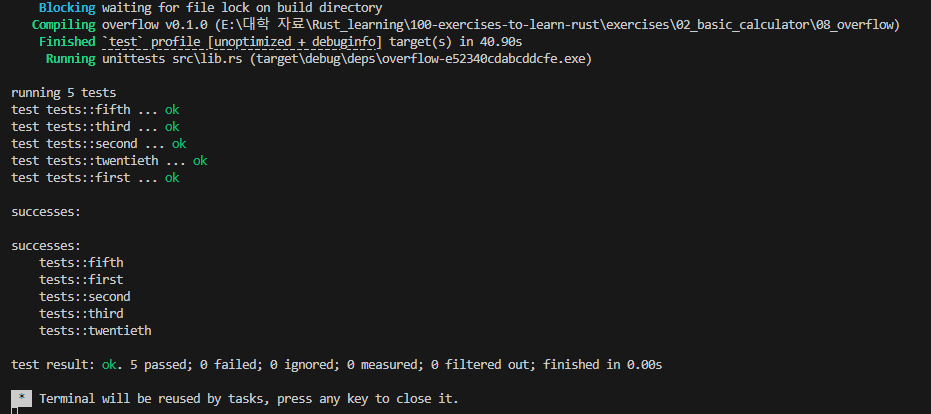
exercise 내의 Cargo.toml이 아닌 root의 Cargo.toml을 바꿔야하며
그냥 overflow-checks의 값을 false로 주면 된다.
test 모드는 dev 모드의 설정값을 상속받기 때문에 dev 모드 설정만 해주면 된다.
overflow-checks는 전체 program에 영향을 끼치는 global setting이다.
하지만, 어떨 때는 wrapping, 어떨 때는 panicking을 써야할 때가 있다.
이때는 어떻게 해야하나?
wrapping_ methods가 있다.
let x = 255u8;
let y = 1u8;
let sum = x.wrapping_add(y);
assert_eq!(sum, 0);
위와 같이 wrapping_ methods를 사용해 wrapping 방식으로 연산의 결과값을 처리할 수 있다.
그리고 saturating_ methods가 있다.
let x = 255u8;
let y = 1u8;
let sum = x.saturating_add(y);
assert_eq!(sum, 255);
saturating_ methods는 최댓값을 넘어가면 최댓값을 결과값으로 내놓고,
최솟값을 넘어가면 최솟값을 결과값으로 내놓는다.
따라서 위 sum의 값은 255다.
saturating arithmetic은 overflow-checks profile setting을 통해, 설정할 수 없고,
arithmetic operation을 사용할 때, 명시적으로 선택해줘야한다.
09_saturating exercise는 saturating multiplication을 사용하여, result 값이 최댓값을 넘지않도록 하는 것이다.

경고가 뜨긴 했지만, 내가 쓴 코드엔 문제가 없는듯하다.
Rust는 integers에 대해 implicit type conversions를 할 수 없다고 계속해서 강조한다.
그럼 explicit conversions는 어떻게 할까?
as operator를 사용해 integer types를 변경할 수 있다.
as conversions는 infallible하다고 하다.
infallible하다는 것은 무엇일까?
절대 일어나지 않는 에러들에 대한 error type이라 한다.
솔직히 말로는 이해하기 어려우니 아래 예시를 보자.
let a: u32 = 10;

// Cast `a` into the `u64` type
let b = a as u64;

// You can use `_` as the target type
// if it can be correctly inferred
// by the compiler. For example:
let c: u64 = a as _;
이러면 b와 c는 u64 type의 a의 값이 할당된다.
그러면 더 큰 범위를 cover하는 type에서
더 작은 범위를 cover하는 type으로의 convert는 어떨까?
// A number that's too big
// to fit into a `u8`
let a: u16 = 255 + 1;
let b = a as u8;
as conversions는 infallible하기 때문에, 위 프로그램은 어떤 issues도 일으키지 않는다.
하지만 b의 값은 무엇일까?
Rust compiler는 큰 integer type에서 작은 integer type으로 convert할 때, truncation을 한다.
더 잘 이해하기 위해 아래를 보자.
 0 0 0 0 0 0 0 1 0 0 0 0 0 0 0 0
|               |               |
+---------------+---------------+
  First 8 bits    Last 8 bits
256u16의 memory 모습을 보면 위와 같다.
이를 u8로 convert하면
 0 0 0 0 0 0 0 0
|               |
+---------------+
  Last 8 bits
뒤의 8 bits만 사용한다.
따라서 b의 값은 0이다.
이건... 대부분의 시나리오에서 문제가 된다.
그래서 Rust compiler는 아래와 같이 truncation을 일으킬 요소를 찾아 알려준다.
error: literal out of range for `i8`
  |
4 |     let a = 255 as i8;
  |             ^^^
  |
  = note: the literal `255` does not fit into the type `i8` whose range is `-128..=127`
  = help: consider using the type `u8` instead
  = note: `#[deny(overflowing_literals)]` on by default
Rust는 as casting을 사용할 때, 주의해야한다.
작은 type에서 큰 type으로 가야할 때를 제외하고는 as casting을 사용하지 말아야한다.
as casting은 상당히 제한적이다.
primitive types나 몇몇의 다른 특별한 경우를 제외하고는 as casting을 사용할 수 없다.
composite types를 작업할 때, 이후에 다른 여러 변환 mechanisms를 사용할 것이다.
이는 추후에 다루도록 하겠다.
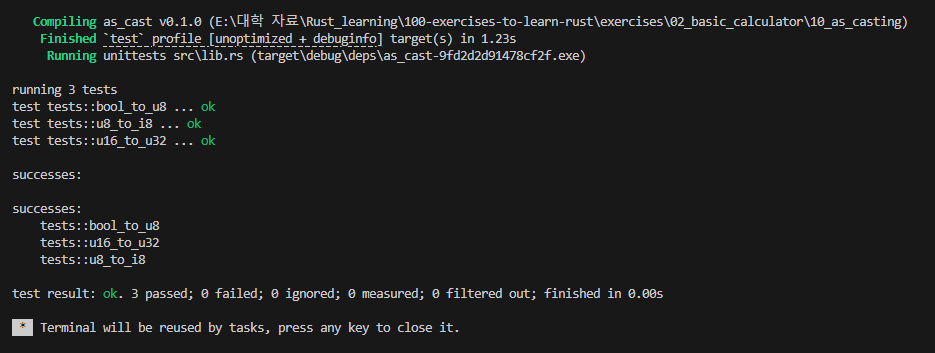
10_as_casting exercise는 3개의 subtasks를 수행해야한다.
첫번째는 47u16을 as casting을 통해 u32로 만들고,
이를 미리 선언 및 초기화한 변수와 같은지 확인하는 작업이고
두번째는 변수를 as casting하는 작업이다.
마지막은 true를 u8로 as casting하면 값이 무엇인지 확인하는 작업이었다.
사실 true는 그냥 찍어봤는데 맞았다.
컴공생이라면 다 맞추는듯싶다.
아직까지도 막상 어려운 exercise는 없다.
근데 Rust 언어 자체가 제약이 많지만,
그에 따라, 예외적으로 처리할 수 있는 부분을 많이 만들어놓은것이 호감이다.
'Rust Programming' 카테고리의 다른 글
| [Rust] 3. Ticket v1: Heap, References, Destructors (0) | 2024.07.24 |
|---|---|
| [Rust] 3. Ticket v1: Encapsulation, Ownership, Setters, Stack (0) | 2024.07.23 |
| [Rust] 3. Ticket v1: Structs, Validation, Modules, Visibility (0) | 2024.07.22 |
| [Rust] 2. A Basic Calculator: Integers, Variables, Branching(if/else), Panics (0) | 2024.07.17 |
| [Rust] 1. Rust 시작하기 (0) | 2024.07.16 |


